
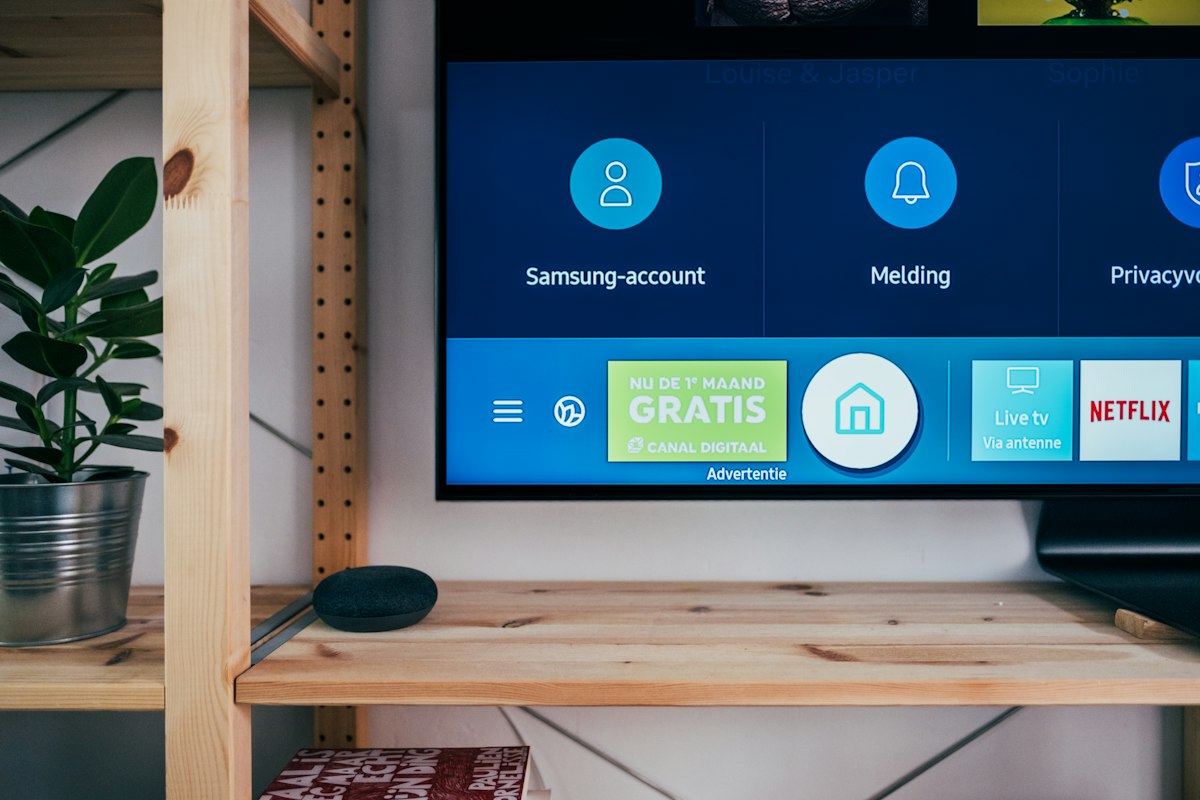
Check Your Smart TV Model
Find the model number and operating-system version in the TV settings or manufacturer documentation.
Samsung Smart TVs
Check the Samsung app store and the compatibility information for your exact model. App availability can differ by region and model year.
LG Smart TVs
Check the LG Content Store and the app developer's supported-model list. Do not assume an app available on one LG model is available on all models.
Install and Configure a Player
Use the official app source and follow the developer's instructions. Enter only authorized playlist or account details.
Troubleshooting
Check the TV's internet connection, app updates, storage, region settings and compatibility.
If a Smart TV app is not available for your model, an Amazon Firestick connected to the same television is another supported option.
Related guidance: Firestick 4K service for TVs, IPTV Compatible Devices, Smart IPTV Application Guide, IPTV Installation Guide and IPTV on Android.
Test your device for 24 hours
Check your real setup before choosing a subscription duration.
Request a free trial